 photototrend
TikTok photo video maker.
Turn a single photo into eight punch-in frames. Each cut lands half a second apart, ready for a 120 BPM track in your social editor.
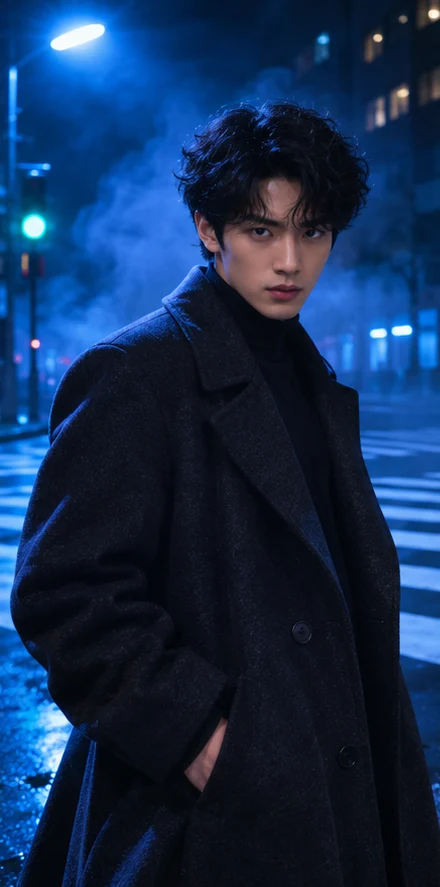

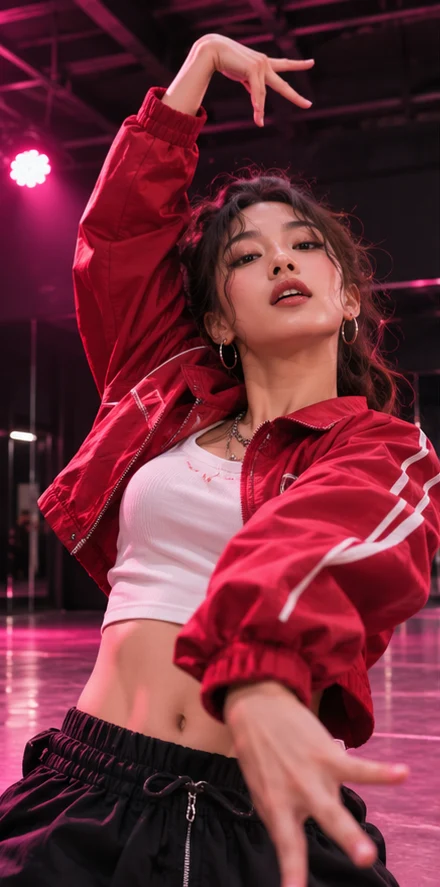
Explore other looks
Try a continuous move on the same kind of image.
Line up the first beat
Pick a picture with one clear focal point. Preview the deepest punch-in to check that the eyes or face stay in view. Export the clip, place it on your timeline and align the first frame to a beat. Each half-second cut will then land on a beat at 120 BPM.
Does the clip include a song?
The export is silent. In your social editor, choose audio you have permission to use and move its first strong beat to the start of the clip.
What aspect ratio is this TikTok edit?
It is 9:16 at 720 × 1280. Keep important faces near the center of the original, since wide images are cropped to fill the vertical frame.
How is the timing set?
The framing changes every 0.5 seconds for four seconds. That gives eight frames of equal duration and matches the beat interval of a 120 BPM track.